-
The Complete Guide to Changing Text Color in WordPress
Color is one of the most powerful tools in a web designer’s toolkit. It changes mood, your brand identity, and—most importantly—guides the reader’s eye toward the key information on the page. In WordPress, changing text color has evolved from a simple dropdown menu in a toolbar to a sophisticated system of global styles and block-level…
-

What is Autosave in WordPress?
Autosave is a built-in feature of the WordPress editor that automatically saves a temporary version of your post or page while you are working on it. It ensures that your progress is backed up even if you forget to click the “Save Draft” button yourself. How It Works WordPress triggers an autosave once every 60…
-

WordPress Glossary: Admin Bar
The Admin Bar (officially called the Toolbar) is the thin, dark horizontal strip located at the very top of the screen when you are logged into your WordPress website. It serves as a permanent shortcut hub, allowing you to jump between the “back end” (the Dashboard) and the “front end” (what your visitors see) instantly.…
-
How to Add a “Reading Time” Estimator to WordPress (No Plugins)
Add a 100% free, lightweight “Read Time” estimator to your WordPress posts without any bulky plugins. Choose from 5 ultra-cool styles to boost transparency instantly!
-
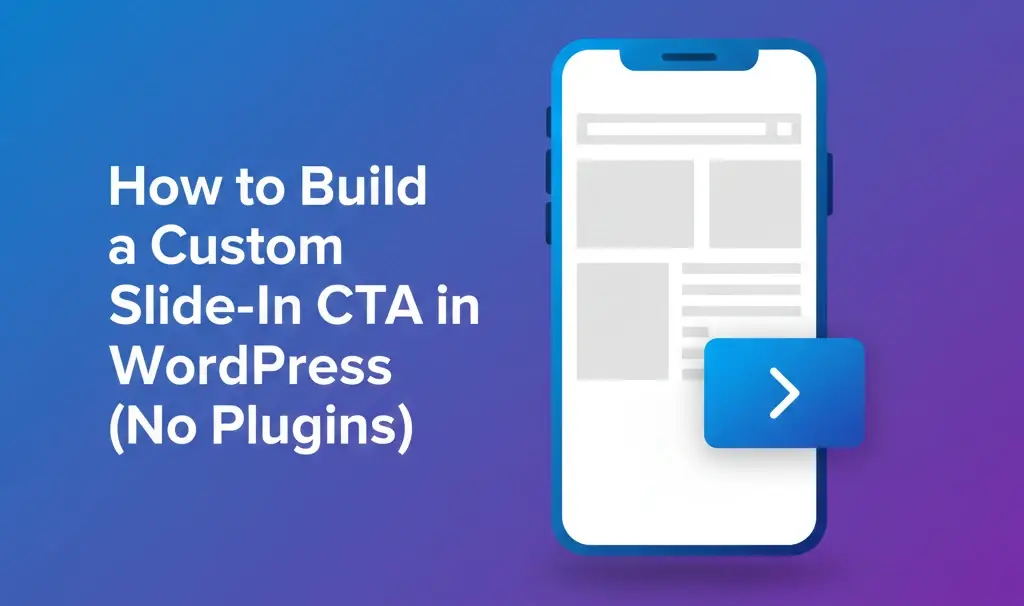
How to Build a Custom Slide-In CTA in WordPress (No Plugins)
We’ve all been to a site like this: you open an article, and before you can even read the first sentence, a large pop-up blocks your view. Lots of readers don’t look for the “X” button; they look for the “Back” button. If you want to grow your email list or promote a product without…
-

How to Add a Custom “Back to Top” Button to WordPress (No Plugins)
Have you ever found yourself scrolling through a 3,000-word “Ultimate Guide”, and then you realize you need to get back to the main menu at the top? It’s not a very fun experience, and it often leads to users simply hitting the “Back” button and leaving your site entirely. The solution to the problem is…
-
How to Build a Smart Table of Contents in WordPress (No Plugins)
In the world of SEO, structure is key. When you write a “mega-post” or a long-form guide, you aren’t just writing for humans; you are writing for Google’s crawlers. If your content is organized, Google sometimes rewards you with Site Links—those helpful jump-links that appear directly in search results, allowing users to skip to the…
-
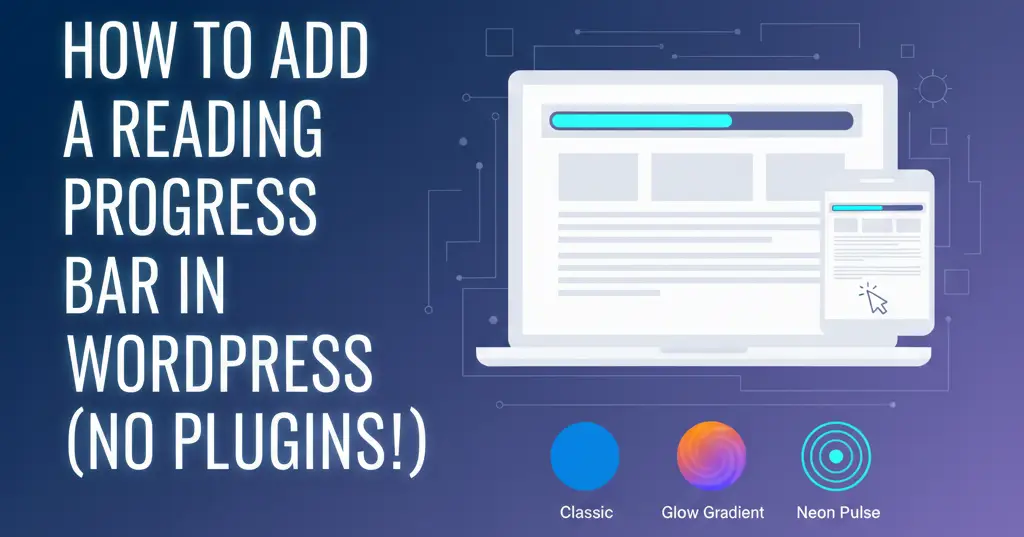
How to Add a Reading Progress Bar in WordPress (No Plugins!)
In the fast-paced world of online content, attention is the most valuable currency. As a website owner, your biggest challenge isn’t just getting someone to click on your article—it’s about keeping them on it until the very last word. Studies show that the average internet user skims content rather than reading it line-by-line. When faced…
-

How to Add a Mortage Calculator in WordPress (100% Free)
Want a free mortgage calculator for WordPress? Get the code to embed our fast, mobile-friendly tool on your site. Easy setup, no plugins required. Add it now!
-

Bengal Tiger
The Bengal tiger is a creature that perfectly balances raw power with quiet grace. It’s scientific name is Panthera tigris tigris, and it is the most numerous tiger subspecies in the world. While their strength is remarkable, there are many other characteristics that define this animal. Anatomy of a Predator The physical presence of a…

